Python automation case study

MovieBot / StreamCinema Vote Bot

Twitch movie nights can bog down in manual polling and OBS setup: viewers need a low-friction voting flow, the streamer needs fewer repetitive steps, and OBS needs the right local media file at the right time. I built StreamCinema Vote Bot in Python with TwitchIO and OBS WebSocket integration so chat commands create a vote state, changed votes and ties are handled predictably, movie folders are scanned for eligible titles, tokens refresh, reconnects recover, and the winning public-domain movie can be handed to OBS.

Project type
Twitch/OBS stream automation
Status
Public repo / case study / live showcase
Runtime
Python 3.8+, TwitchIO, OBS WebSocket
Role
Solo builder: bot logic, reliability, setup docs, portfolio pages
Last updated
May 2026

TL;DR

MovieBot in 15 seconds.

Problem
Streamers need chat voting for movie nights without manually tracking messages, vote changes, ties, and playback handoff.
Built
A Python Twitch bot that scans local public-domain movie files, accepts chat votes, resolves winners, and updates OBS playback.
Stack
Python, TwitchIO, OBS WebSocket, OAuth refresh, MoviePy/ffprobe, pytest, local filesystem.
Demo
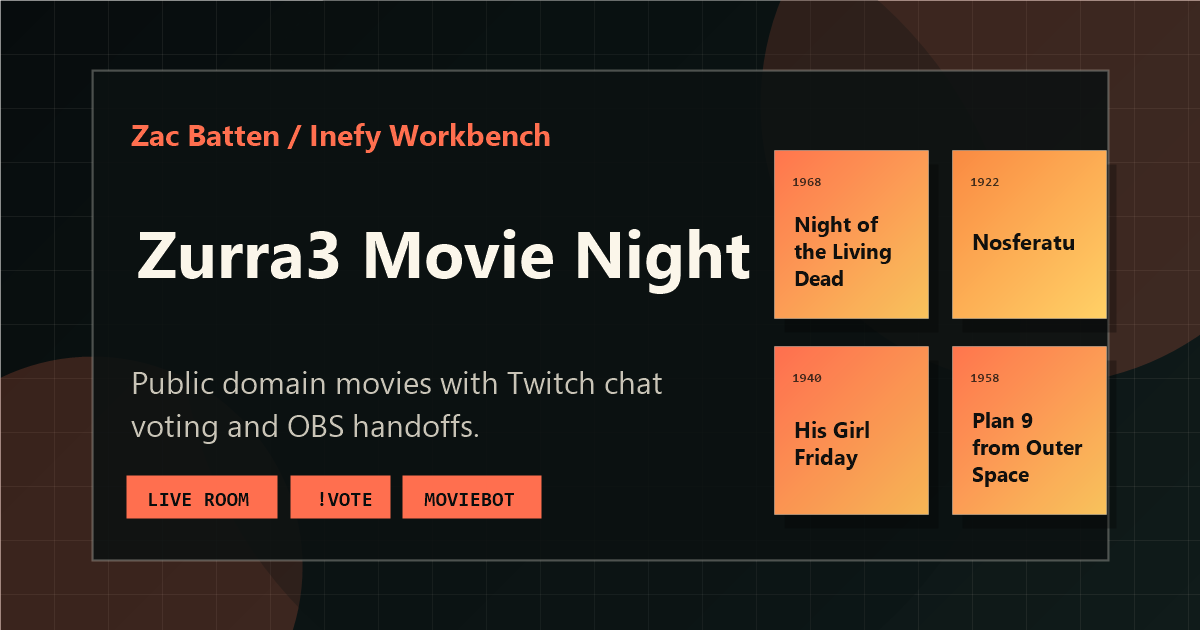
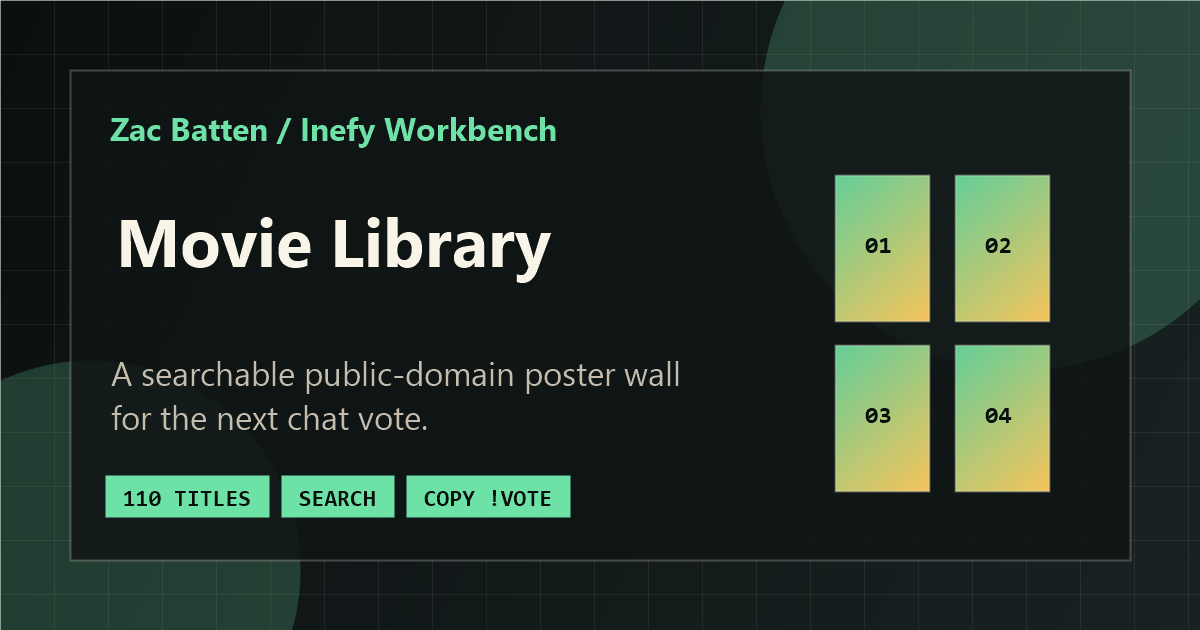
Movie Night page and Movie Library show the viewer-facing surfaces.
Source
Inefy/twitch-movie-bot, including pytest tests and CI status.
Result
Chat commands, local movie lookup, vote state, tie handling, token refresh, reconnect paths, and OBS media updates are tied into one operator flow.
Current limitation
Local setup is required; stream availability depends on Twitch channel state, OBS configuration, local media files, and operator monitoring.

01 / Summary

Chat votes become OBS playback.

Streamer-run movie nights need reliable voting and playback handoff without constant operator control. I built the bot as a Python/TwitchIO remote-control layer: viewers vote in chat, the process tracks the local public-domain catalog and vote state, tie and changed-vote logic selects a winner, and OBS WebSocket receives the media-source update with token refresh, IRC recovery, OBS reconnection, media-load retries, and setup checks around the main flow.

Technical problem

Viewer chat, vote state, local movie files, Twitch auth, and OBS playback have to stay coordinated during a long-running stream session.

Constraints

The bot depends on Twitch OAuth/IRC, OBS WebSocket, local media paths, public-domain files, and services that can disconnect mid-stream.

Approach

I built a Python/TwitchIO command parser, vote-state layer, movie-folder scanner, token refresh/reconnect paths, and OBS media-source handoff.

Tradeoff

Using local folders keeps setup simple for one streamer, but it is less portable than a hosted catalog with operator controls and remote storage.

Next improvement

The next pass is an operator dashboard with connection health, current votes, queue state, OBS status, and stronger Twitch/OBS integration tests.

Hiring signal: The implementation combines async Python, Twitch authentication, local file scanning, user input validation, stateful voting, external process control, and recovery behavior for long-running stream sessions.

Why this matters

It turns live-stream chores into reliable automation.

Operational problem

Streamer-run movie nights require voting, tallying, local movie lookup, tie handling, and OBS playback changes while the host is also managing the live stream.

Useful approach

A Python bot treats Twitch chat as structured input, keeps vote and movie state locally, and hands the selected file to OBS through WebSocket with reconnect and token-refresh paths.

Employer signal

The project demonstrates integration work, async command handling, long-running process reliability, API authentication, local file automation, and user-facing support pages.

Production readiness

The bot flow works; real stream ops need stronger controls.

Already solid

The repo covers Twitch commands, vote changes, ties, movie-folder scanning, OBS handoff, token refresh, reconnect paths, setup docs, and public pytest checks.

Showcase-only

The showcase is not a hosted bot service. It assumes local movies, local OBS config, private environment secrets, and an operator watching logs.

Production work

For regular public use, I would add an operator dashboard, queue controls, integration tests, rate limits, structured logs, health checks, alerts, and Twitch/OBS recovery.

Security and ops

Twitch tokens, OBS passwords, and local media paths must stay out of source. A real setup would need secret rotation, scoped bot permissions, moderation rules, and config/state backups.

02 / What I built

The bot logic, OBS handoff, reliability paths, and viewer-facing support pages.

  • Implemented Twitch chat commands for voting, results, current movie, time remaining, movie lists, and help output.
  • Built movie-folder scanning with supported video extensions, one-level subfolder support, periodic rescans, and local public-domain media validation.
  • Built vote-state logic for changed votes, duplicate prevention, partial title matching, tie resolution, and fallback selection.
  • Connected OBS WebSocket playback automation by verifying scene/source names, updating the media source, switching scenes, and restarting playback.
  • Added Twitch OAuth token refresh, IRC health checks, reconnect behavior, startup validation, logging, pytest coverage for config/bot logic, and Movie Night/Movie Library showcase pages.

External pieces include TwitchIO, Twitch OAuth/chat, OBS WebSocket, IMDb links, poster URLs, and the local public-domain movie files the bot scans.

03 / Problem

Manual stream control does not scale well during a live watch party.

A hosted movie stream needs viewers to pick what plays next, but manual tallying is distracting and error-prone. The streamer has to watch chat, count votes, resolve ambiguous titles, pick a winner, update OBS with the correct local file, and keep the stream running through token or connection issues.

MovieBot reduces that operator burden by turning chat into a controlled input surface and turning OBS into an automated output target. Viewers get predictable commands, while the streamer gets repeatable playback handoff and logs when something goes wrong.

04 / Viewer flow

The viewer experience stays inside Twitch chat.

  1. Browse options Viewers use the Movie Library page or the !movies command to see available public-domain titles.
  2. Vote by title During an active poll, viewers use !vote <movie name>. The bot accepts exact matches or unambiguous partial matches.
  3. Check the room state Commands like !currentmovie, !time, and !results let viewers see what is playing, what is leading, and how much time remains.
  4. Change a vote If a viewer picks a different title, the bot removes their previous vote and adds the new one instead of double-counting them.
  5. Watch the winner When the current movie ends, the winning title is selected and OBS starts the next local media file after a short reaction delay.

05 / Streamer/operator flow

The streamer configures the environment, then lets the bot run the loop.

  1. Prepare Twitch credentials Create a Twitch developer app, use a bot account, and provide client ID, client secret, access token, refresh token, and channel name through local environment settings.
  2. Prepare OBS Enable OBS WebSocket, configure the movie scene, and name the media source exactly as the bot expects.
  3. Point at local media Set the movie directory to the local folder containing the public-domain video files.
  4. Start the bot Run python bot.py. Startup validates required settings, refreshes or validates Twitch tokens, scans movies, connects to OBS, and schedules the first movie.
  5. Monitor logs Runtime information is written to the console and bot.log, including OBS errors, token refresh failures, chat recovery, and playback fallback behavior.

06 / Tech stack

Python automation around Twitch, OBS, and local media.

  • Python 3.8+
  • TwitchIO
  • OBS WebSocket
  • pytest
  • OAuth refresh
  • MoviePy / ffprobe

The bot is intentionally small: Python handles async chat commands and background routines, TwitchIO connects to chat, OBS WebSocket controls local playback, ffprobe/MoviePy inspect movie duration, and environment variables keep local credentials out of source control.

07 / Twitch command flow

Commands are validated before they change state.

Viewer-facing command behavior from the MovieBot source.
Command Behavior Reliability detail
!vote title Registers a vote for a matching movie during an active poll. Rejects empty votes, inactive polls, no matches, and ambiguous partial matches; updates previous votes instead of double-counting.
!results Shows current vote counts sorted by vote total and title. Handles no active poll and no-vote states with explicit chat replies.
!currentmovie Shows the currently playing movie. Reports when no movie is active so chat does not infer stale state.
!time Shows total duration and remaining time for the current movie. Uses recorded start time and duration instead of manual operator estimates.
!movies Links to the public movie list when configured, otherwise lists the first available titles. Keeps chat commands short while supporting a larger library page.
!help Explains the available commands. Sends lines with a small delay and has a fallback compact message if help output fails.

08 / OBS playback flow

The OBS handoff updates the configured media source.

MovieBot system flow Viewer chat commands are parsed by the Twitch bot, update vote state, resolve the poll, select a local movie, control OBS WebSocket playback, and produce the stream output. Token refresh, reconnect behavior, and local movie folder scanning support the main flow.
MovieBot chat-to-OBS architecture diagram Twitch chat commands enter a Python command parser, update vote state, resolve the poll, choose a scanned local movie, and send OBS WebSocket commands. Token refresh and reconnect routines support Twitch and OBS connections. VIEWER Chat !vote / !results TWITCHIO Parser Validate command STATE Votes One vote/user POLL Winner Pick winner OBS OBS control Set source / scene OUTPUT Stream Movie starts MEDIA Folder scan Playable files RELIABILITY Token / reconnect Twitch and OBS
MovieBot is organized as a long-running local automation loop: chat creates structured input, vote state decides the next file, OBS receives playback commands, and recovery routines keep the stream path from failing quietly.

Text fallback: a viewer sends a chat command, TwitchIO routes it to the bot command parser, and the bot validates the command before changing vote state. When the poll ends, the bot resolves the winner or tie, selects a local movie path from the scanned folder, and sends OBS WebSocket commands to update the media source, switch scenes, restart playback, and produce the stream output. Separate background routines keep Twitch tokens fresh, recover chat/OBS connections, and rescan the local movie folder.

  1. Verify OBS connection The bot connects to OBS WebSocket, checks that the configured scene exists, and verifies the configured media source through scene item lookup.
  2. Set the local file The selected movie path is normalized and sent to OBS with SetInputSettings against the configured media source.
  3. Refresh the source The source is hidden, updated, shown again, the program scene is switched, and the media input is restarted so playback begins immediately.
  4. Retry before giving up Media loading uses configurable retry attempts and delays; failures trigger fallback movie selection when possible.
What this demonstrates: the OBS handoff is a small command pipeline around a normalized local file path, guarded by connection-aware WebSocket calls.
normalized_path = os.path.normpath(path)
settings = {"local_file": normalized_path}

set_settings_request = obs_requests.SetInputSettings(
    inputName=MEDIA_SOURCE_NAME,
    inputSettings=settings,
    overlay=True
)

set_response = await self.safe_obs_call(set_settings_request)
if set_response is not None and await self._set_program_scene(SCENE_NAME):
    if await self._restart_media_input(MEDIA_SOURCE_NAME):
        return True

Trimmed from the public bot source to show the core OBS media-source update without local paths or credentials.

09 / Movie folder scanning

Local media is discovered from disk and refreshed during the session.

The bot scans the configured movie directory for supported video extensions, including common formats like .mp4, .mkv, .avi, .mov, .webm, .wmv, .mpeg, .mpg, .m4v, and .ts. It also scans one level of subdirectories without following symlinks.

  • If the movie directory is missing, the scanner logs the problem and returns an empty list instead of crashing mid-command.
  • A periodic movie rescan refreshes the in-memory list every 10 minutes while keeping the previous list if a rescan finds no files.
  • Movie duration is read with ffprobe when available, falls back to MoviePy, and finally uses a default duration if both duration checks fail.

10 / Vote changes and ties

The voting model handles real chat behavior.

Partial title matching

The bot checks exact matches first, then substring matches. Ambiguous partial matches are rejected with a request to be more specific.

Vote changes

Each viewer maps to one selected movie. Changing a vote decrements the old movie total, removes empty vote buckets, and increments the new title.

Tie and fallback handling

At poll end, tied winners are resolved by random selection and announced. If no votes exist, the bot picks a random movie when one is available.

What this demonstrates: each viewer owns one vote, and changing votes updates both the per-user map and aggregate movie totals.
previous_vote_path = self.voter_data.get(user)
if previous_vote_path:
    if previous_vote_path == selected_movie_path:
        await ctx.send(f"@{user}, you already voted for '{selected_basename}'.")
        return
    if previous_vote_path in self.votes:
        self.votes[previous_vote_path] -= 1
        if self.votes[previous_vote_path] <= 0:
            del self.votes[previous_vote_path]

self.votes[selected_movie_path] = self.votes.get(selected_movie_path, 0) + 1
self.voter_data[user] = selected_movie_path

Trimmed from the public bot source so the vote-change logic is visible without surrounding chat and logging code.

11 / Token refresh and reconnect behavior

Long-running stream sessions need recovery paths.

Twitch OAuth

Token validation and refresh

The bot validates the current access token, refreshes when invalid or near expiry, saves updated tokens back to .env, and updates the running process environment.

IRC health

Chat reconnect with backoff

A periodic health routine checks whether the Twitch IRC websocket is still connected. Recovery refreshes tokens, forces reconnects, and can hard reset the TwitchIO connection after repeated failure.

OBS health

Connection checks and safe calls

OBS calls go through an ensure_obs_connection wrapper, use timeouts, mark the connection as down on failures, and attempt reconnection before later calls.

Playback state

Stale callback protection

A playback generation counter prevents an old scheduled poll-end callback from ending a newer movie after a retry or playback change.

Failure fallback

Alternative movie selection

If OBS cannot load a selected file, the bot clears vote state, excludes the failed path, and schedules a random fallback movie if another file exists.

Shutdown

Best-effort cleanup

Shutdown cancels scheduled callbacks and startup tasks, stops periodic routines, disconnects OBS, and closes TwitchIO without assuming every object is fully initialized.

12 / Setup and security notes

Credentials stay local, and setup failures should stop early.

  • The repo uses .env.example with placeholders for Twitch client ID, client secret, access token, refresh token, channel name, movie directory, OBS host/port/password, scene name, media source name, and optional movie-list URL.
  • The README explicitly warns not to commit .env, Twitch tokens, Twitch client secrets, OBS passwords, or generated logs.
  • Startup checks required Twitch settings and verifies that MOVIE_DIRECTORY exists before running.
  • OBS setup requires WebSocket to be enabled and the scene/source names to match the environment configuration exactly.
  • If credentials were ever committed, the documented response is to rotate them before publishing from secret-free history.

13 / Deployment and run notes

The bot runs locally beside OBS; GitHub Pages documents it.

Hosted/run location

The Python bot runs on the stream operator's machine beside the movie folder and OBS instance. Movie Night, Movie Library, and this case study live on GitHub Pages.

Environment/config

The bot uses a local .env: Twitch client ID/secret, access/refresh tokens, channel, movie directory, OBS host/port/password, scene, media source, and optional movie-list URL.

External APIs/services

Runtime dependencies are TwitchIO/OAuth, OBS WebSocket, local public-domain movie files, and ffprobe/MoviePy for duration checks. Support pages link to IMDb and poster images.

Local development

Clone the bot repo, create a Python 3.8+ venv, install requirements, copy .env.example to .env, configure Twitch/OBS/movie paths, run pytest, then run python bot.py.

Secrets and operations

Never commit .env, Twitch tokens, client secrets, OBS passwords, generated logs, or private media paths. A real stream setup would add secret rotation, scoped bot permissions, structured logs, health checks, and an operator dashboard.

14 / Testing and QA notes

Tests focus on risky Twitch/OBS failure modes.

The public repo includes pytest checks for config/bot logic: defaults, scanning, token refresh, OBS connection behavior, commands, playback scheduling, fallback paths, startup, and cleanup. GitHub Actions runs the suite on push and pull request.

Automated tests

tests/test_bot_logic.py covers movie scanning, duration detection, config loading, token helpers, OBS calls, chat commands, playback scheduling, fallback selection, startup, and cleanup.

CI status

GitHub Actions installs requirements and runs pytest for every push and pull request.

Manual checklist

Run the bot with a local movie folder and OBS scene/source names, send !vote, !results, !currentmovie, !time, !movies, and !help, then confirm OBS updates the media source.

Browser and device checks

The portfolio surfaces need separate QA: Movie Night embeds, Movie Library search/copy behavior, GitHub/source links, mobile layout, keyboard focus, and fallback links when Twitch embeds are blocked.

Edge cases

Covered scenarios include missing movie folders, ambiguous titles, changed votes, no-vote polls, ties, missing duration tools, OBS timeouts, stale callbacks, and Twitch/IRC reconnects.

Known limitations

The bot does not yet have a live operator dashboard, CI-backed Twitch/OBS integration environment, synthetic end-to-end stream test, structured metrics, or alerting for long unattended sessions.

15 / Screenshots and capture placeholders

Screenshots now, motion captures still pending.

16 / Next improvements

What I would improve next

  • Add a local operator dashboard that shows current movie, active votes, OBS connection health, Twitch token status, and upcoming playback timing.
  • Add a dry-run mode that exercises chat commands and OBS calls against mocks without touching a live stream setup.
  • Add structured JSON logs or metrics so long sessions can be reviewed without scanning free-form console output.
  • Add a short GIF/screenshot capture set for the README and this case study to show the chat-to-OBS loop visually.

Next step

Review the source, then open the stream surface.

The GitHub repo shows the Python automation. The Movie Night and Movie Library pages show the viewer-facing surfaces around the bot.